The Cut the Cake app
Your party,
in your pocket.
For iPhone, iPad and Android. Add guests from your contacts and run the photo booth from your phone. Sign in with the account you use here, and your events are already there.

The invitation link is all guests need. Our app is there if they want it.
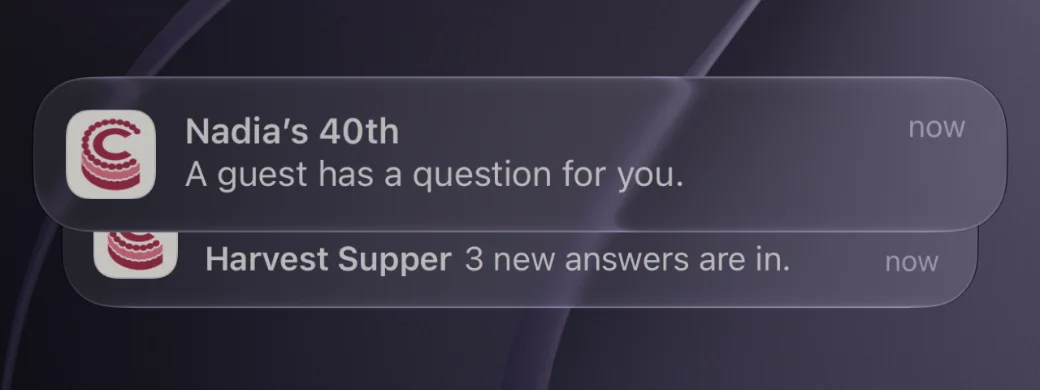
Hear when guests answer.
A guest’s question reaches you right away. New answers come together, at most every 15 minutes, from 8am to 9pm in the event’s time zone.
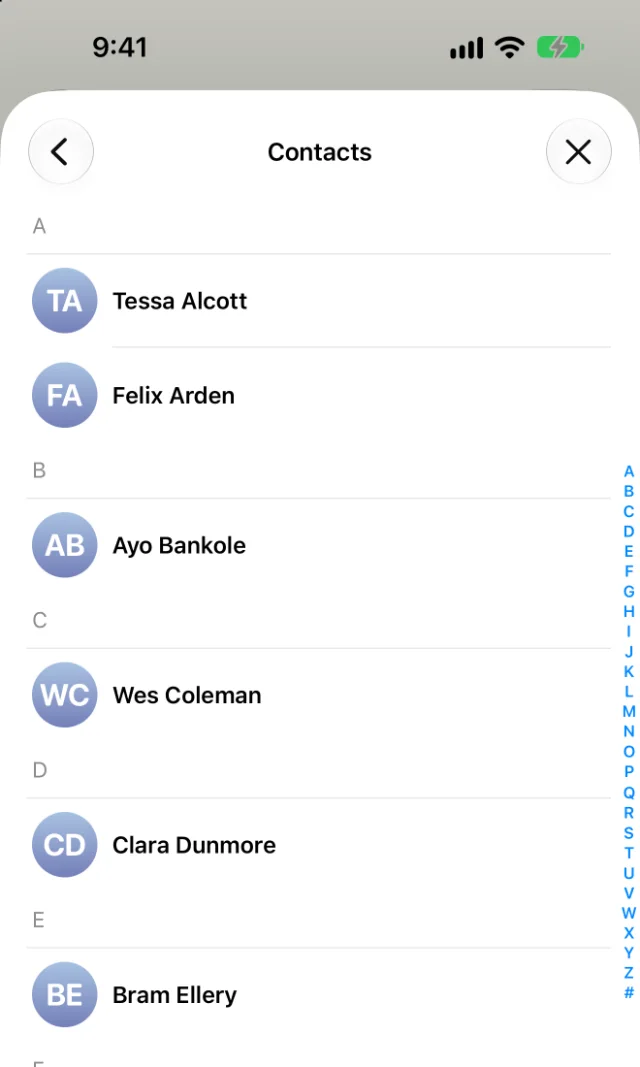
Add guests from your contacts.
One tap adds your friends.
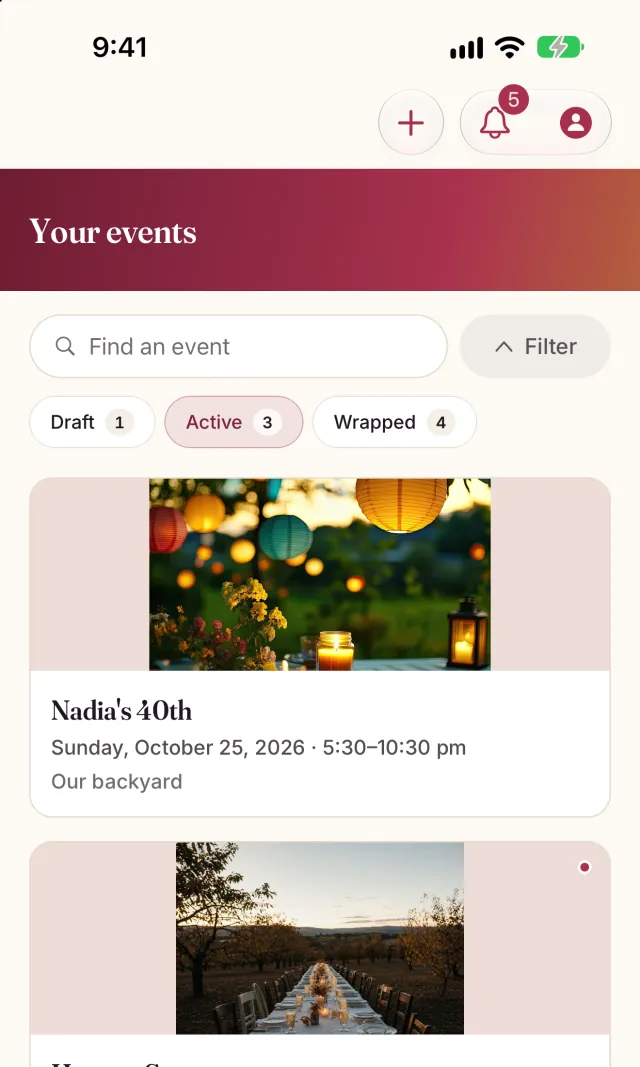
Without opening it
Your next party, a glance away.
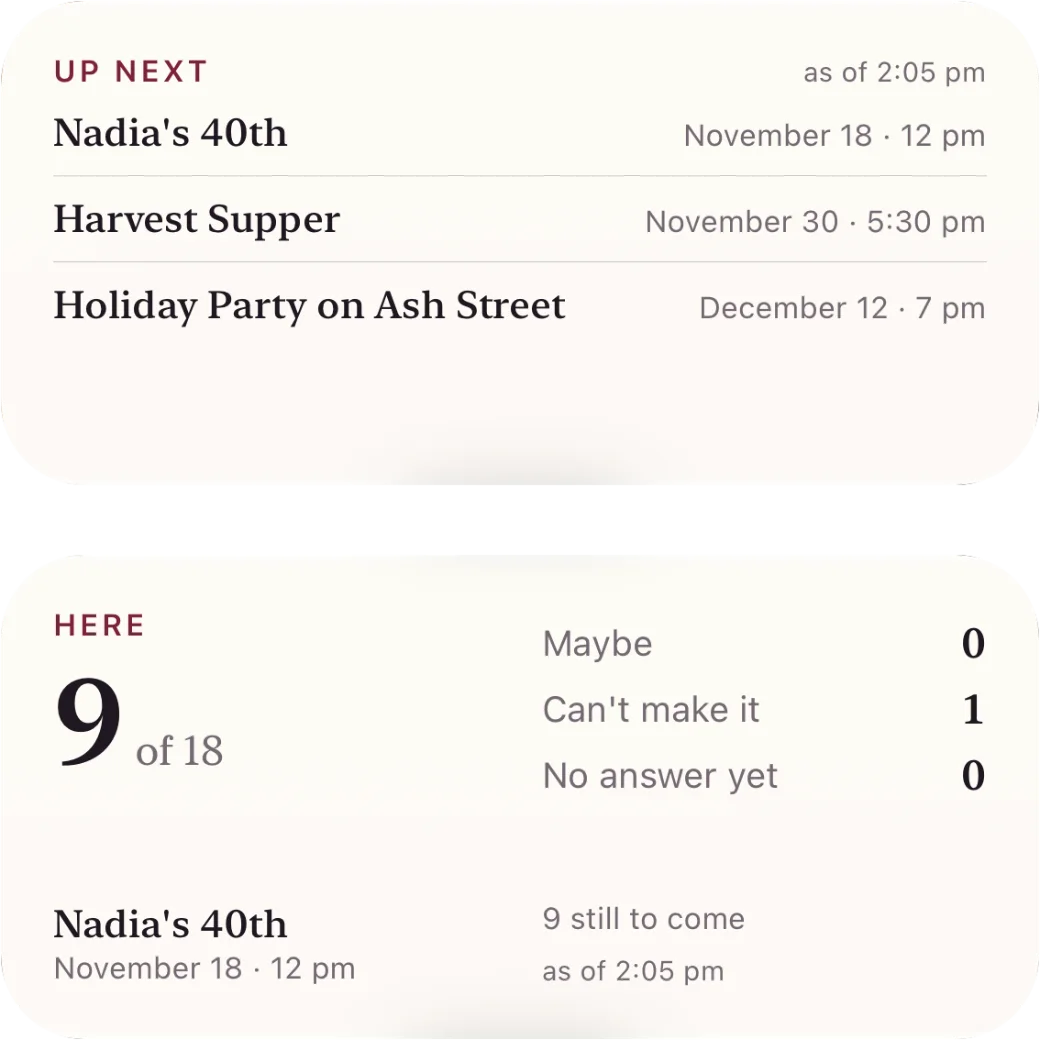
Headcount widget
For your next event with a guest list, see how many are coming or checked in. Open your events list to refresh the count.
iPhone, iPad and Android. Also on the iPhone Lock Screen.
Up next widget
The next events you host or are invited to, on your home screen.
iPhone, iPad and Android
Siri
Ask, “How many are coming to Harvest Supper in Cut the Cake?” and Siri tells you the headcount.
iPhone and iPad
Spotlight
Type an event’s name into search on your home screen and open it from there.
iPhone and iPad
Press and hold the icon
Start a new event, or go straight to your next one.
iPhone, iPad and Android
A photo booth on any phone or tablet.
Prop it up and guests take four shots to a countdown. The pictures go to the album, and wait on the device if the wifi drops.

The party on the TV.
Show the party’s photos full screen on your iPhone or iPad, then mirror them to the TV with AirPlay. Or open cutthecake.co/screen in any TV’s browser and type the party’s code.
On an Apple TV, get Cut the Cake from its App Store and type the code.

Keep the photos you love.
Press Keep on any photo in the album to save it to your phone’s photos. Guests can too, unless you turn that off.

Print nametags from your phone.
Every guest’s nametag in one go. AirPrint on an iPhone or iPad, Android’s print service on Android.

Sign in once.
The app keeps you signed in, so there’s no sign-in code to wait for on the night.
Your first event is free, with invitations to 50 email addresses.